1Pick
We live with every hub, sensor, camera and bulb for weeks — then score what actually survives daily use. No sterile labs, no spec-sheet guesswork.
The three devices that outscored everything else in our lab this cycle.
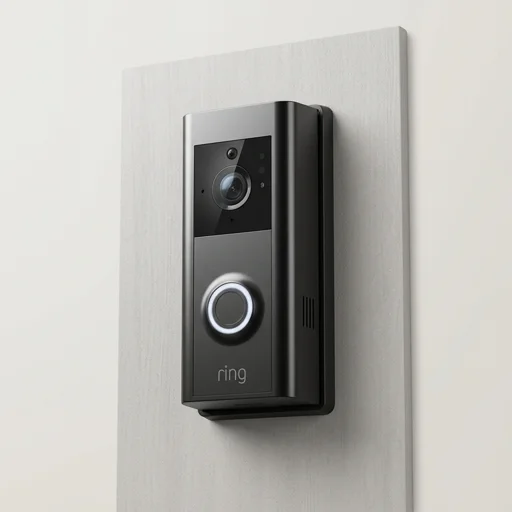
Side-by-side specs, app quality, and hub compatibility so you can pick without the guesswork
| Rank | Product | Category | Rating | Connectivity | Pros / Cons | Review |
|---|---|---|---|---|---|---|
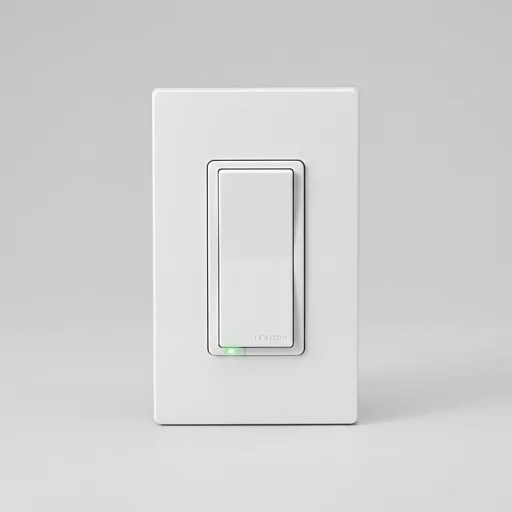
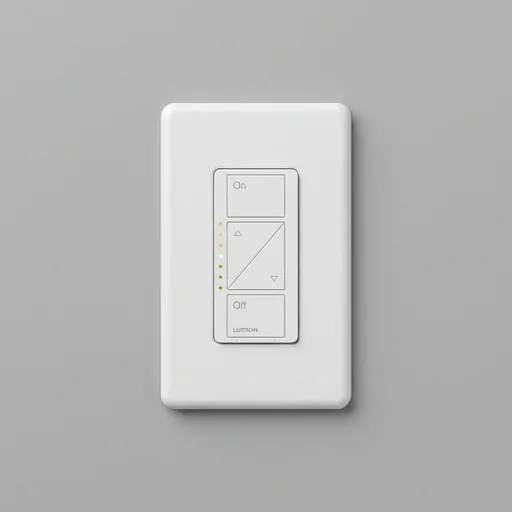
| 🥇 | Lutron Caseta Smart Dimmer Switch Smart Switch | Smart Switch | 4.7/5.0 | Clear Connect RF | +6 / -2 | Read review |
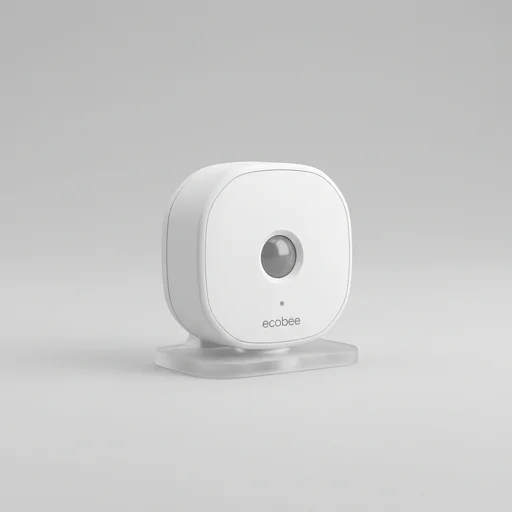
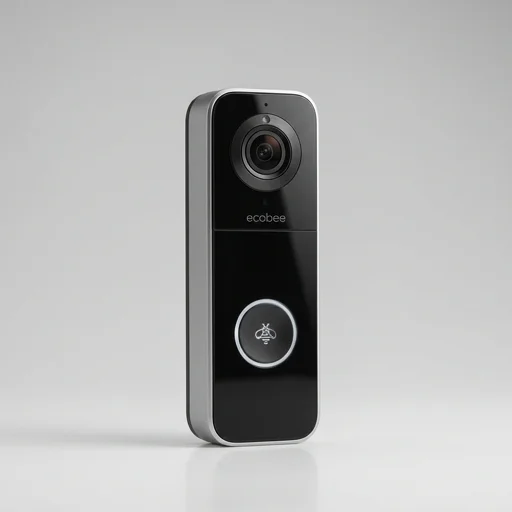
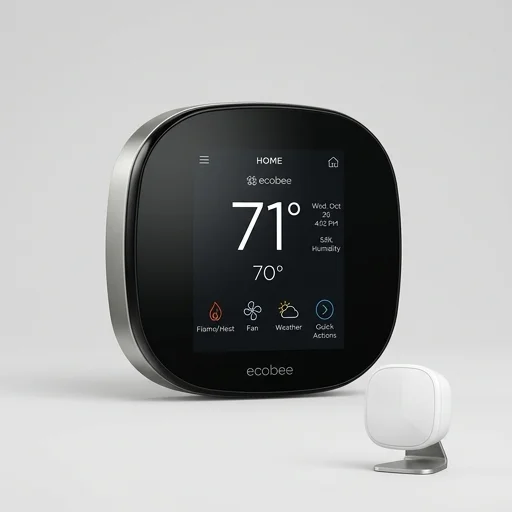
| 🥈 | Ecobee Smart Thermostat Premium Smart Thermostat | Smart Thermostat | 4.6/5.0 | Wi-Fi 802.11 b/g/n | +5 / -3 | Read review |
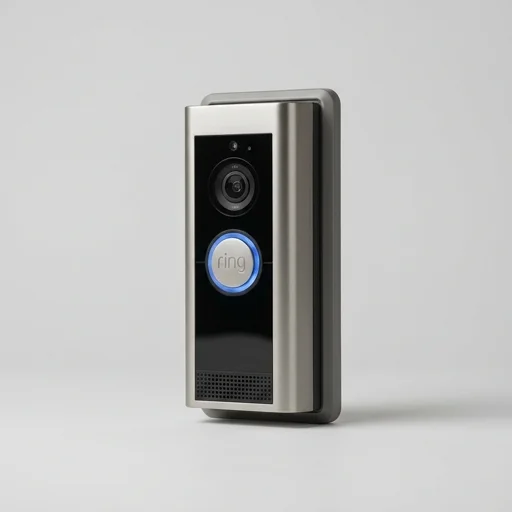
| 🥉 | Ring Video Doorbell Pro 2 Video Doorbell | Video Doorbell | 4.6/5.0 | Dual-band 2.4/5GHz Wi-Fi | +5 / -4 | Read review |
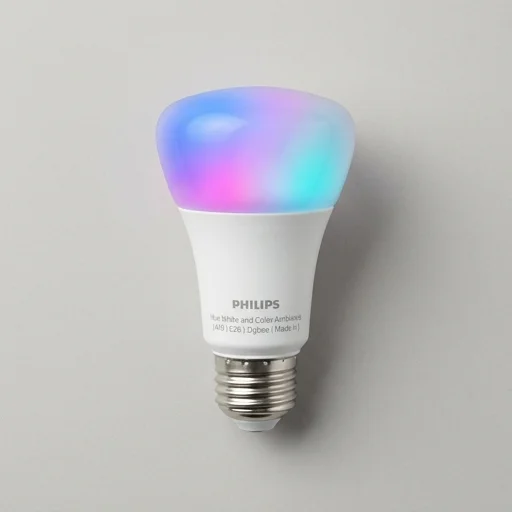
| #4 | Philips Hue White & Color A19 Smart Bulb | Smart Bulb | 4.6/5.0 | Zigbee 3.0 (Hue Bridge) | +7 / -2 | Read review |
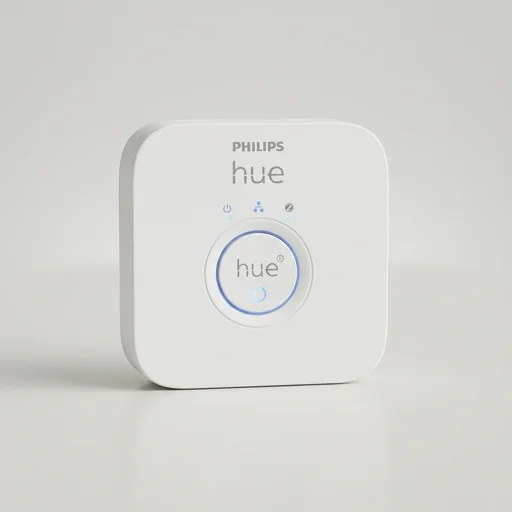
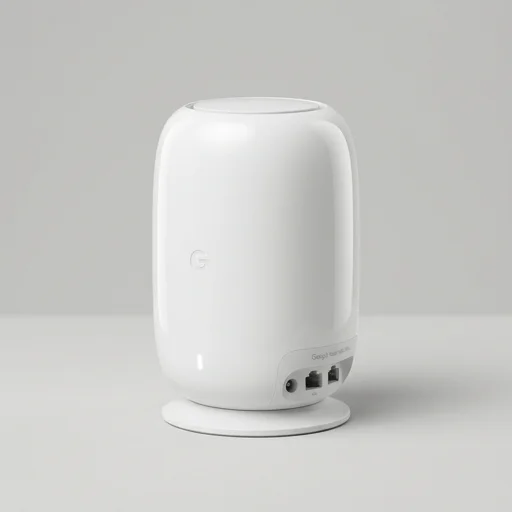
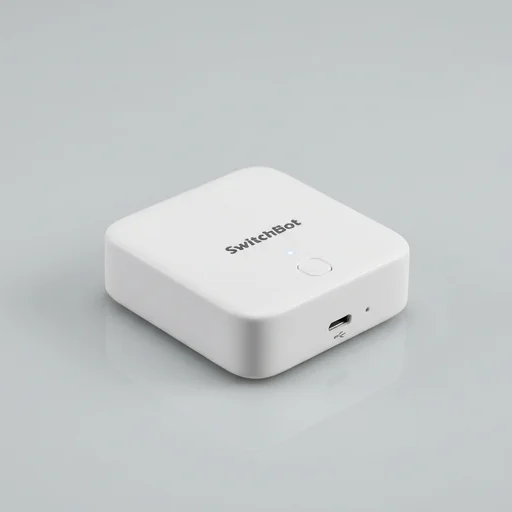
| #5 | Philips Hue Bridge Smart Home Hub | Smart Home Hub | 4.6/5.0 | Ethernet (RJ45) | +6 / -3 | Read review |
Jump straight to the shelf you care about — every device is filed and scored the same way, from doorbells to robot vacuums.
Products Tested
Brands Compared
Categories Covered
Avg Lab Rating
Average rating across our currently featured picks — a quick, honest snapshot before you dive into the details below.
Many devices connect directly via Wi‑Fi and only need a companion app, while others rely on a dedicated hub or bridge (common with Zigbee or Z‑Wave devices) to talk to each other and to voice assistants. Check the product's specs and any listed compatibility notes before buying if you already own a particular ecosystem.
Compatibility varies by brand and model, so it's worth checking each product's listed features and specs for the platforms it explicitly supports. If you're building out an existing setup, prioritise devices confirmed to work with your current hub or app.
Every added device uses a bit of your router's capacity, and Wi‑Fi based gadgets depend on decent signal strength throughout your home. If you plan to add many devices, a mesh network or a router built for smart-home traffic can help avoid dropouts.
Look for manufacturers that are clear about how data is stored and whether firmware updates are provided regularly. Reviewing the pros and cons listed for each product can give you a general sense of how transparent a brand is, though you should also check current settings and permissions once a device is set up.
Our rating reflects an overall impression based on features, build quality and user experience as summarised in each product's highlights, pros and cons. It's meant as a starting point for comparison, not a guarantee — always weigh it against your own priorities like budget and ecosystem fit.
Neither extreme is automatically right. A slightly lower-rated device that fits your existing ecosystem and budget can be a better real-world choice than a top-rated one that doesn't integrate well with what you already own. Use the specs, pros and cons for each product to match features to your actual needs.